1. GNSS Logger on your phone (Android)
-Before starting, you have to check the GNSS(GPS) of your smart phone. If your phone can not get raw data, you can not proceed to analysis.
-For checking : https://developer.android.com/guide/topics/sensors/gnss
– Go to the homepage below.
https://developer.android.com/guide/topics/sensors/gnss
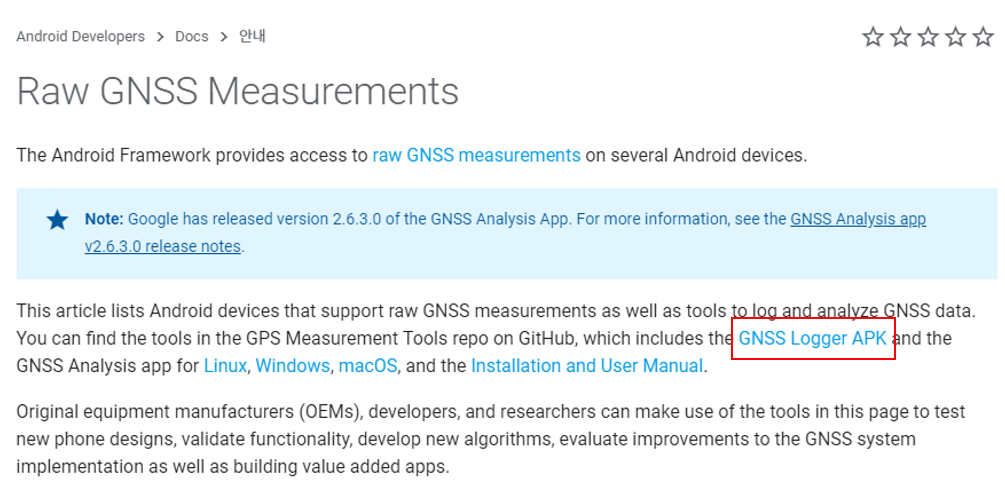
– Click “GNSS Logger APK”
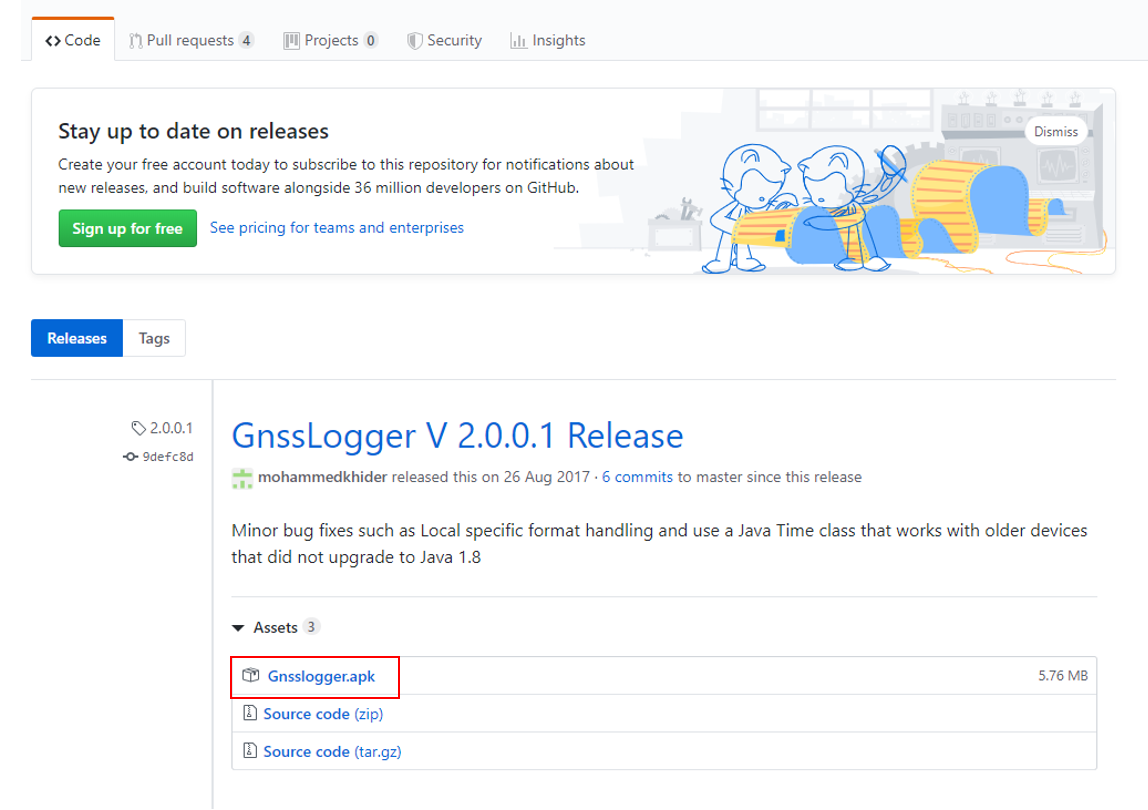
-Click “Gnsslogger.apk” and download on your phone
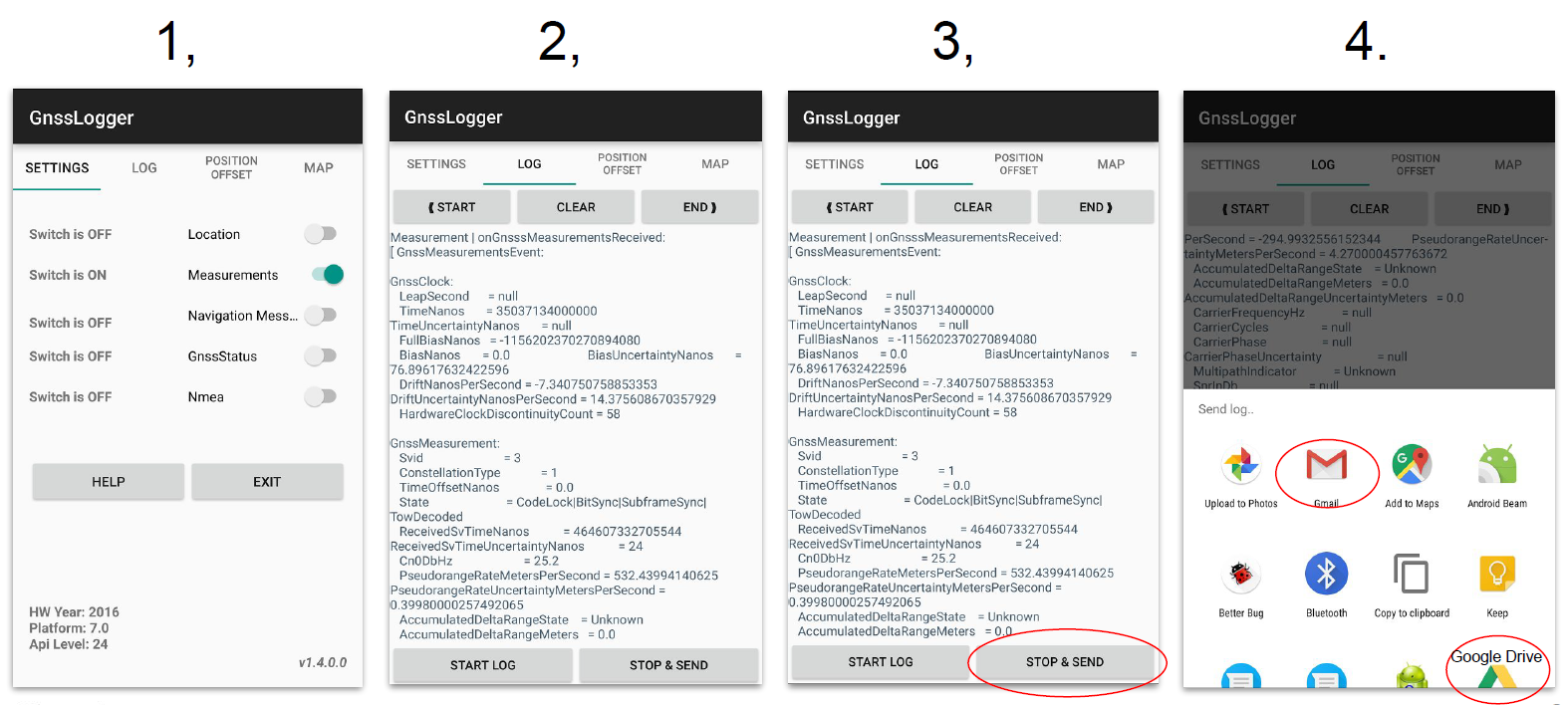
-Logging the raw data on your phone
: Through using this app, you can get the log file (text file and csv file)
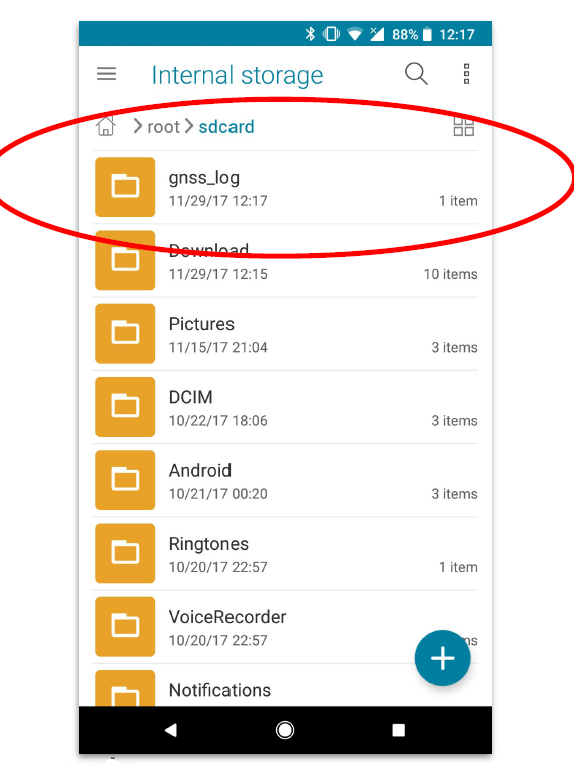
Also, logged data is stored locally, on your phone. Google does not get any data from these log files.
2. GNSS Analysis Tool for your desktop
– Go to the homepage below.
https://developer.android.com/guide/topics/sensors/gnss
-Click on the one that fits your OS and download.
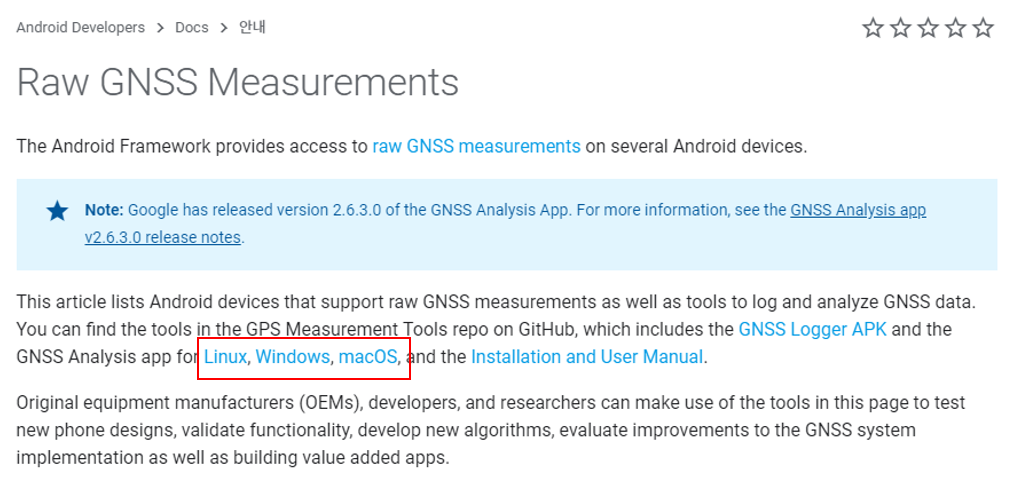
-After downloading, you can get the program below.
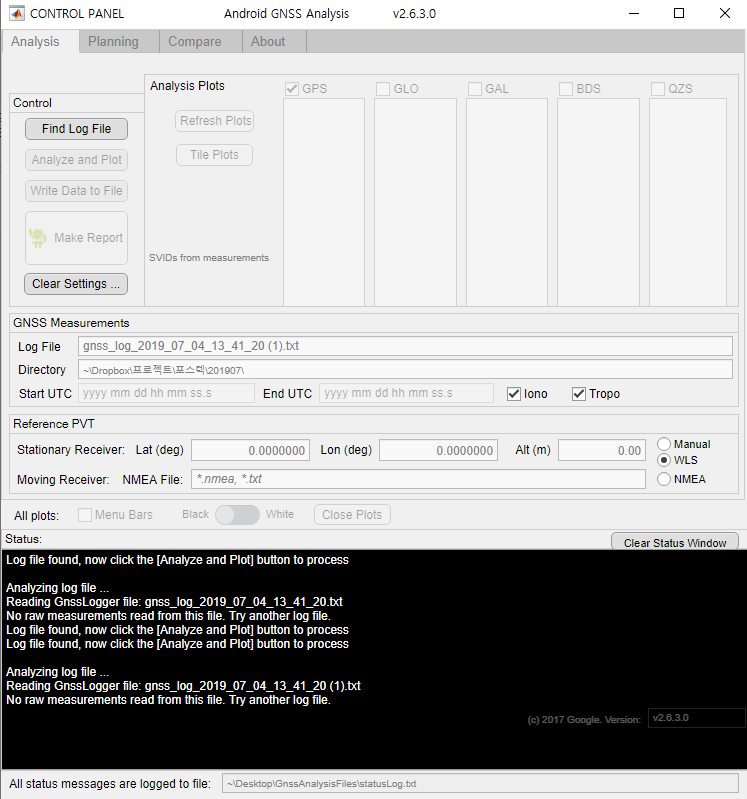
-Click “Find Log file” and select your log file which you got from GNSS logger App on smart phone.
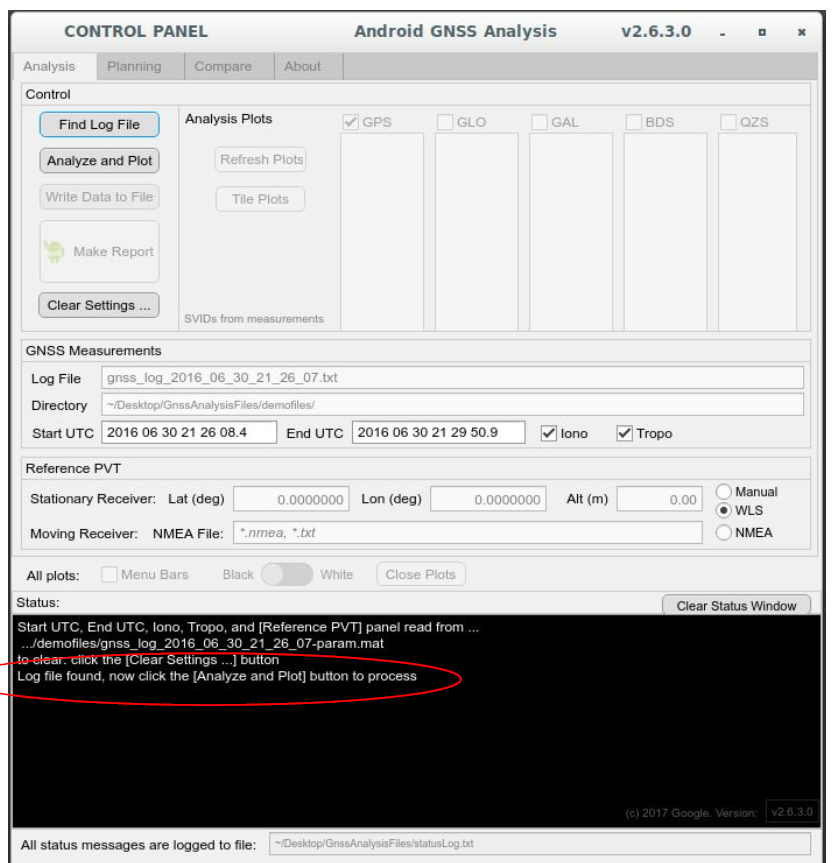
-Click “Analyze and plot” button. And then you can get the result of analysis below.
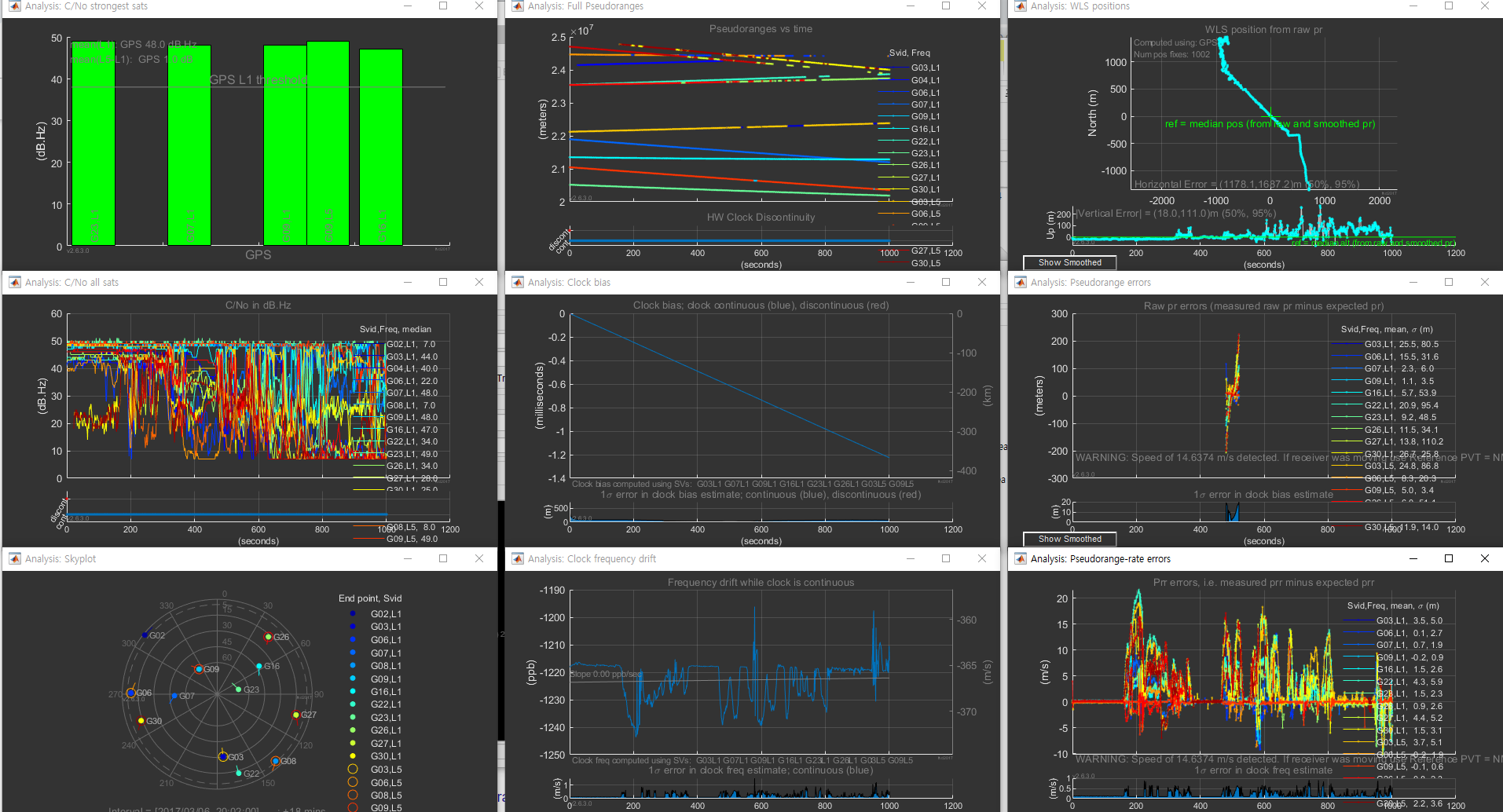
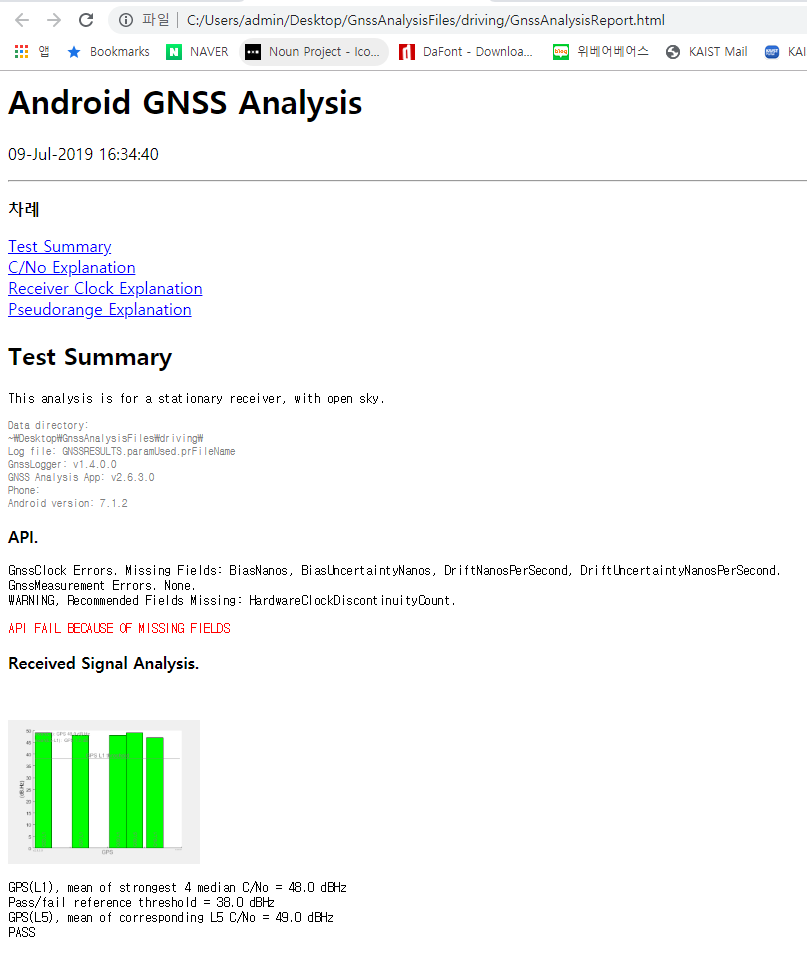
-Click “Make a Report” and then you can get the report from GNSS Analysis tool.
Appendix
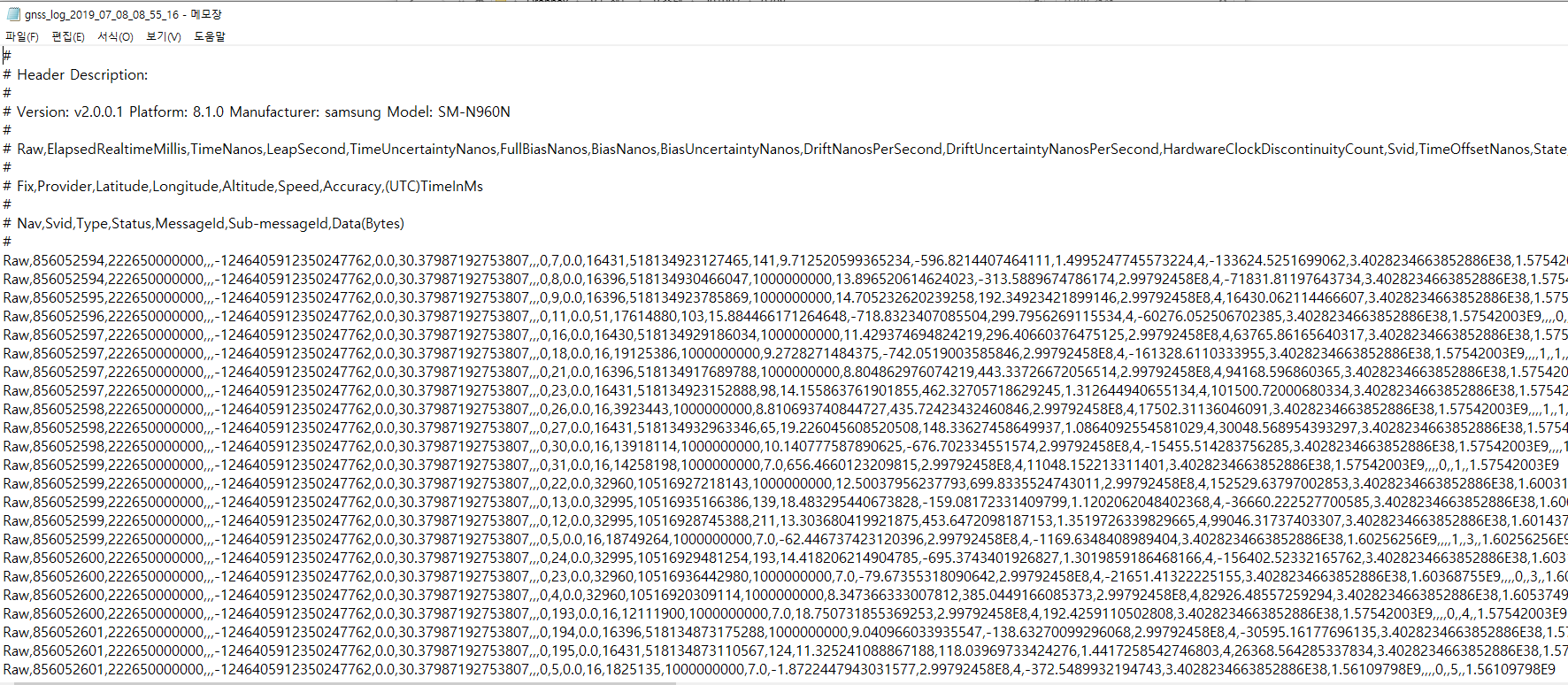
-Log in text file.
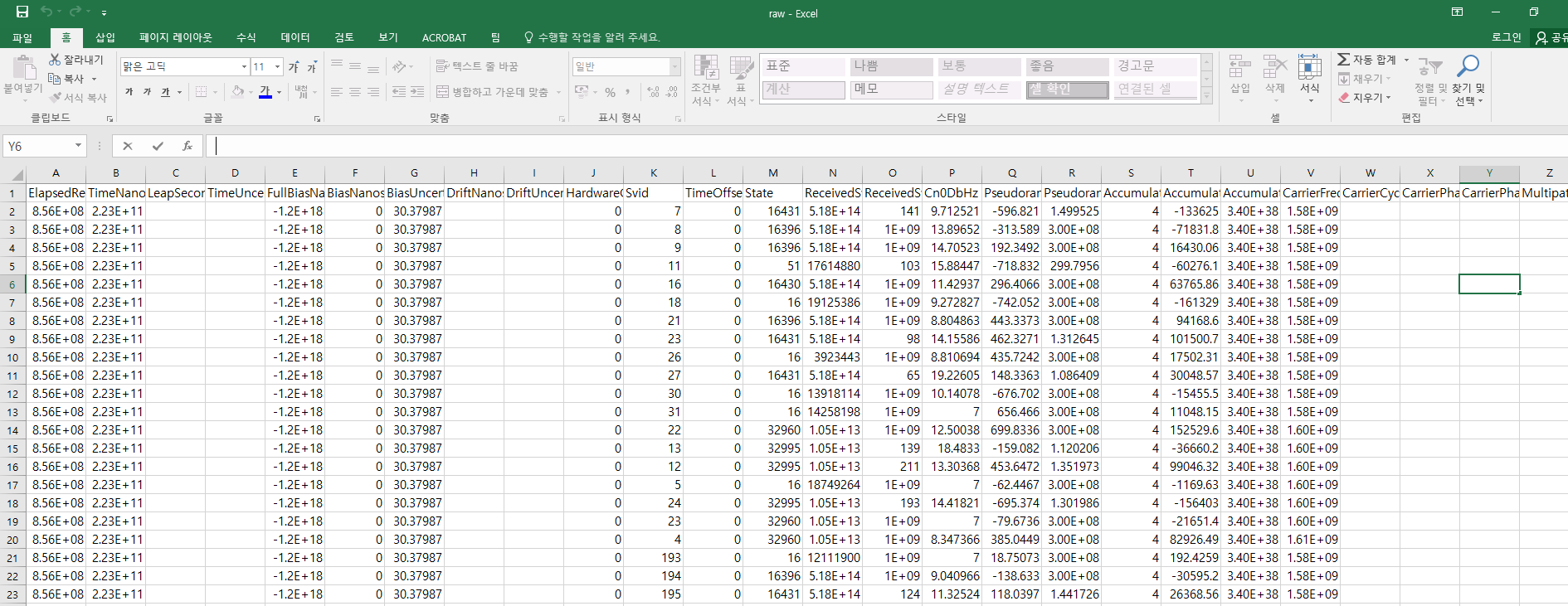
-Raw data in csv file
 Rose, Designer and Engineer